
HappyHorse 1.0 Free AI Video Generator Online
Turn a prompt or image into a polished video with synced audio, smooth motion, and multilingual lip-sync. Create share-ready videos in seconds for ads, product demos, social posts, and short stories, without editing skills or a complex production workflow.
What is HappyHorse 1.0 AI?
HappyHorse 1.0 is a next-generation AI video model that turns text prompts and images into polished videos with synced audio and multilingual lip-sync. For users, what makes it stand out is simple: you can create videos that feel more complete straight out of generation, with less editing, fewer tools, and a faster path from idea to publishable content.
The Advantages of Choosing HappyHorse
Precision-engineered for creators who demand speed without compromising on artistic integrity.
All-in-One
Generate video, synced audio, and lip-sync in one workflow, with no need to switch between multiple AI tools.
Faster Path
Create videos that feel more complete straight out of generation, so you spend less time editing and more time on content creation.
Multilingual
Produce talking videos in multiple languages with more natural lip-sync for global audiences and localized campaigns.
Built for Fast Iteration
Generate high-quality clips quickly, test more ideas, and create more versions for ads, social posts, and product storytelling.
Key features of HappyHorse 1.0
HappyHorse 1.0 is built for users who want more than basic AI video generation. It brings visuals, synced audio, and multilingual lip-sync into one workflow, making it easier to create videos that feel more complete from the start.
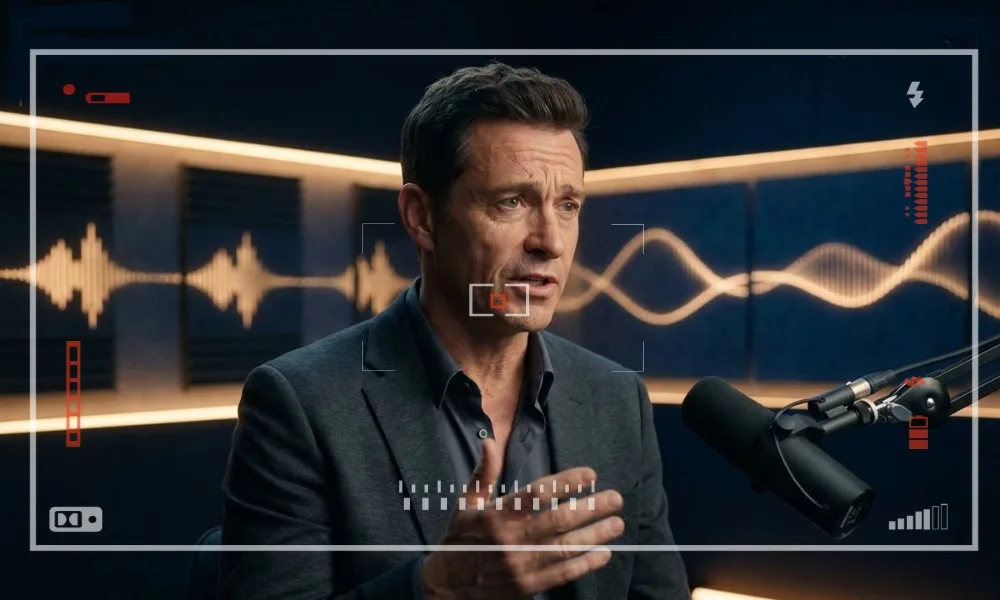
Video, Audio, and Lip-Sync in One Workflow
HappyHorse 1.0 helps you create videos that feel closer to finished content, instead of making you handle visuals, voice, sound, and lip-sync in separate steps. This makes the process easier for talking videos, short explainers, character scenes, and ad creatives where timing, clarity, and presentation matter.
Create Talking Videos Faster →Multilingual Talking Videos for Global Content
With multilingual lip-sync support, HappyHorse 1.0 makes it easier to adapt one video idea for different audiences. You can use it to create localized marketing videos, multilingual social clips, product introductions, or creator content that feels more natural to viewers in different regions.
Create Videos for More Markets →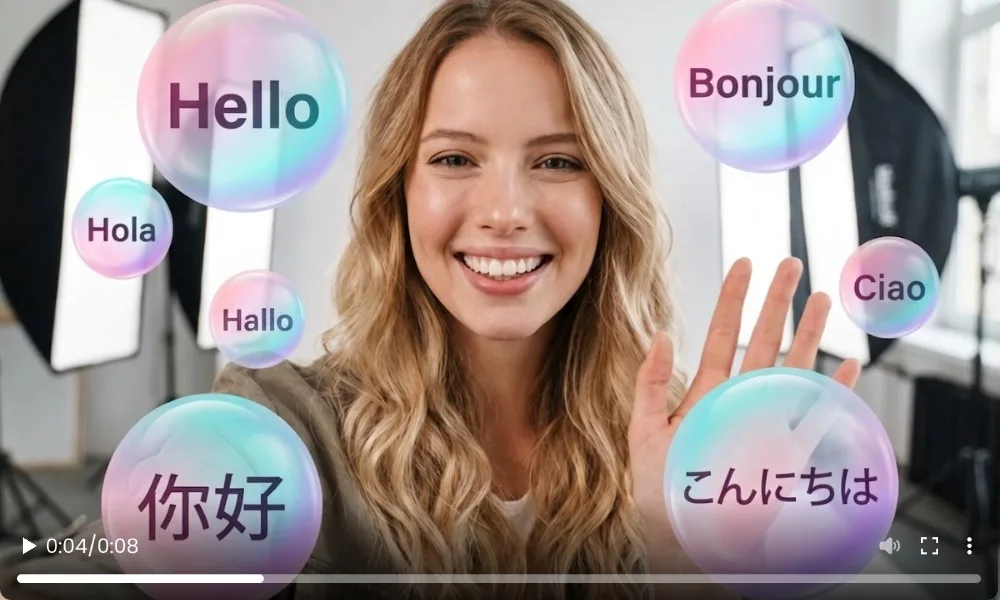
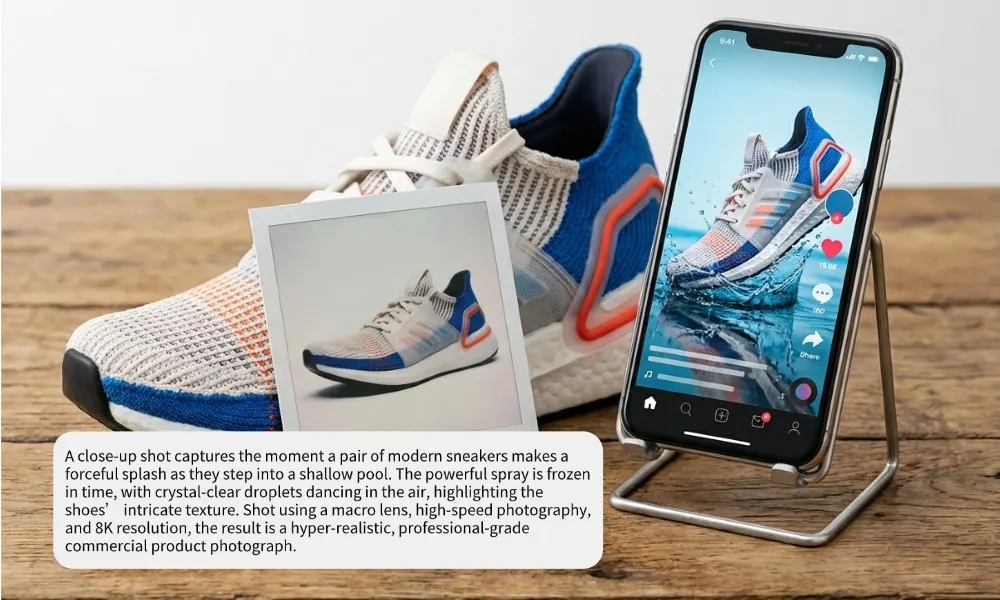
Fast Creation from Prompt or Image
You can start with either a prompt or a still image and turn it into a polished video much faster than a traditional production process. This is especially useful when you want to test multiple creative ideas, build product videos quickly, create visual story clips, or keep up with the speed of social content and campaign production.
Turn Ideas into Video Fast →High-Quality Output In One Click with Less Cleanup
HappyHorse 1.0 is built to produce smoother motion, cleaner visuals, and sharper results, so your videos need less fixing before they are ready to share. That means less time spent patching awkward movement, replacing mismatched sound, or doing extra editing before publishing on social media, landing pages, or ad platforms.
Make Share-Ready Videos →
HappyHorse 1.0 vs Other AI Video Models
HappyHorse 1.0 stands out by combining video generation, synced audio, and multilingual lip-sync in one workflow. Here is a simple comparison to help you see where HappyHorse 1.0 stands out.
| Model | Text to Video | Image to Video | Synced Audio | Multilingual Lip-Sync | Best for Talking Videos |
|---|---|---|---|---|---|
| HappyHorse 1.0 | ✓ | ✓ | ✓ | ✓ | ✓ |
| Seedance 2.0 | ✓ | ✓ | △ | ✕ | ✕ |
| Kling 3.0 | ✓ | ✓ | ✕ | ✕ | ✕ |
| Veo 3.1 | ✓ | △ | △ | ✕ | ✕ |
| PixVerse V6 | ✓ | ✓ | △ | ✕ | △ |
What Users Like About HappyHorse 1.0
Users choose HappyHorse 1.0 because it helps them create videos that feel more complete with less extra work.
“The built-in audio and lip-sync save me a lot of time.”
I do not have to generate visuals first and fix the speaking part later. For talking videos and short promos, the workflow feels much simpler.
“It is easier to make localized videos without rebuilding everything.”
What I like most is being able to take one idea and adapt it for different audiences. That is a big help for multilingual marketing content.
“The results feel closer to finished content.”
A lot of AI video tools still leave too much cleanup. HappyHorse 1.0 gives me videos that need less fixing before I can post them.
“Good for fast content production.”
It works well when I need to test creative ideas quickly, make product clips, or create short-form content without a full editing workflow.
HappyHorse 1.0 FAQs
Is HappyHorse 1.0 free to use online?
+
Can I use HappyHorse 1.0 videos for commercial projects?
+
Who is HappyHorse 1.0 best for?
+
Can beginners use HappyHorse 1.0?
+
What kind of prompts work best with HappyHorse 1.0?
+
Are HappyHorse 1.0 videos ready to publish immediately?
+

Create Talking Videos Faster with HappyHorse 1.0
Make videos with synced audio, multilingual lip-sync, and cleaner results without a complicated production process. Publish as You Go!
Try HappyHorse 1.0 Free